
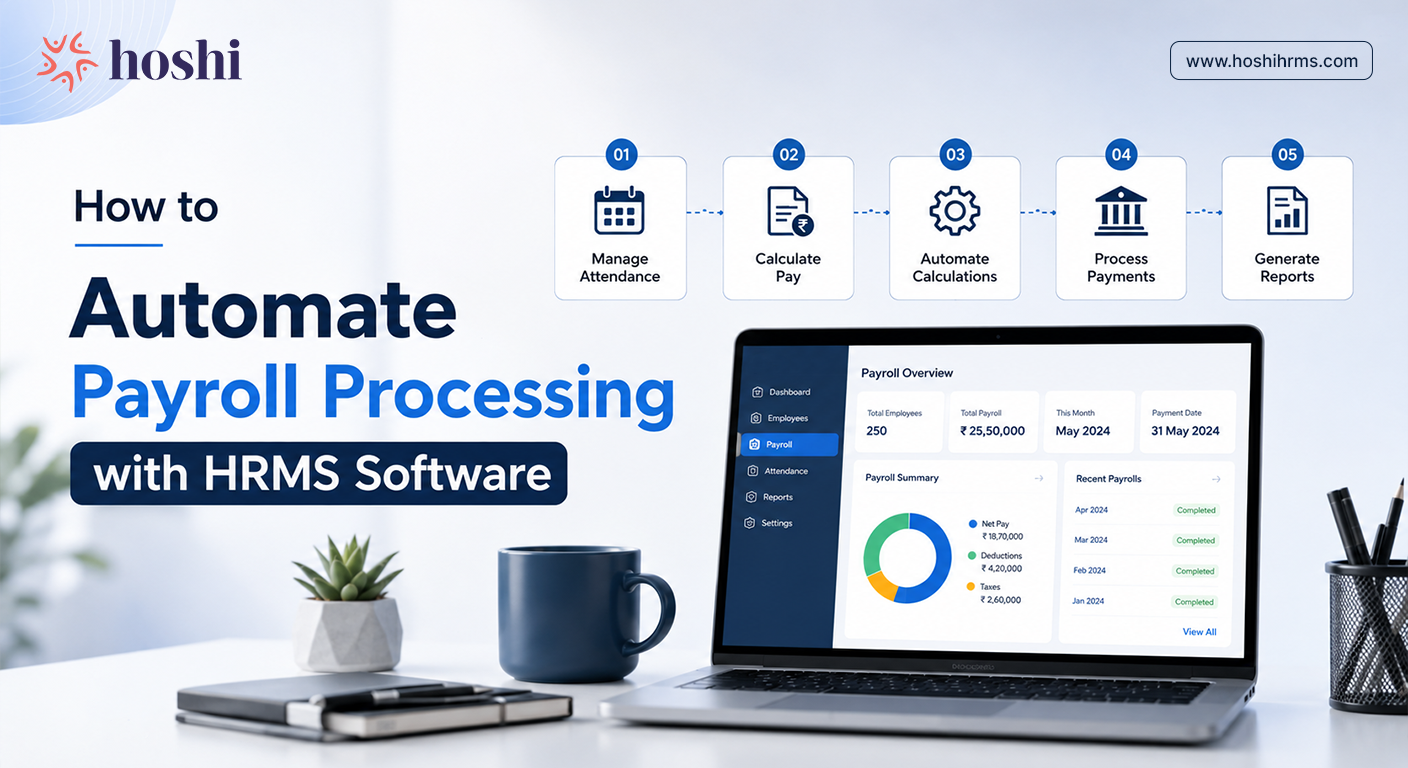
How to Automate Payroll Processing with HRMS Software
How to Automate Payroll Processing with HRMS Software
Discover how automated payroll software can simplify salary processing, compliance, attendance, payslips, and reporting while saving HR teams valuable time.
Payroll sounds complicated. But in simple words, payroll just means making sure employees get paid correctly and on time.
Now imagine doing this manually every month for 20, 50, or even 100 employees. HR teams have to check attendance, count leaves, calculate salaries, deduct taxes, generate payslips, and manage compliance. One small mistake can create confusion for everyone.
Hoshi helps businesses automate payroll from start to finish so HR teams spend less time on spreadsheets and more time focusing on people.
Why Manual Payroll Becomes a Problem
Many companies still manage payroll using Excel sheets and manual calculations. It may work for a very small team, but as the company grows, payroll becomes harder to manage.
Common payroll problems include:
- Attendance mistakes
- Wrong salary calculations
- Delayed payslips
- Tax deduction errors
- Compliance issues
- Too much manual work
- payroll software for small business India
- payroll and compliance software India
- cloud payroll software India
Automation makes payroll faster, smoother, and more accurate.
What is Payroll Automation?
Payroll automation means the software handles repetitive payroll tasks automatically.
Instead of calculating salaries manually every month, the HRMS system:
- tracks attendance
- calculates salaries
- manages deductions
- creates payslips
- handles compliance
With Hoshi HRMS , payroll processing becomes simple even for companies without a large HR department.
Step-by-Step: How Hoshi HRMS Automates Payroll
Here's exactly what happens once payroll moves onto Hoshi HRMS, from attendance capture all the way through to reporting.
Attendance Gets Recorded Automatically
Payroll always starts with attendance.
If attendance data is wrong, salary calculations will also be wrong.
Hoshi automatically syncs:
- employee attendance
- leave records
- overtime
- late arrivals
- work hours
This removes the need for manual attendance tracking.
Salary Calculations Become Automatic
This is where automation saves the most time.
Hoshi automatically calculates:
- basic salary
- allowances
- overtime
- deductions
- bonuses
- unpaid leave adjustments
HR teams no longer need to manually calculate every employee's salary.
PF, ESI, and TDS are Managed Easily
Payroll compliance can feel stressful for many businesses.
There are several deductions and regulations that companies need to manage properly, including:
- PF
- ESI
- professional tax
- TDS
Hoshi helps automate these calculations and keeps payroll more accurate.
- PF ESI compliant payroll software
- payroll software with TDS calculation
- payroll software with PF filing
- payroll software with ESI return filing
- statutory compliance payroll software India
Payslips are Generated Instantly
Creating payslips manually for every employee takes time.
With Hoshi, payslips are generated automatically and employees can access them whenever needed.
Employees can:
- download salary slips
- view deductions
- check salary history
- access leave balances
Payroll Approvals Become Faster
One of the biggest delays in payroll usually happens during approvals.
Hoshi simplifies approval workflows so payroll moves faster between HR, finance, and management teams.
The platform helps businesses:
- track payroll status
- approve salary processing
- maintain records properly
This is especially useful for growing businesses using payroll software with bank transfer integration.
Reports are Ready in One Click
Payroll reports are important for:
- finance teams
- audits
- compliance checks
- leadership reviews
Instead of spending hours creating reports manually, Hoshi generates reports instantly — saving HR teams a huge amount of time every month.
Why Businesses Prefer Payroll Automation
Companies that switch to automated payroll systems usually notice improvements immediately.
| Before Automation | After Automation |
|---|---|
| Manual spreadsheets | Centralized system |
| Payroll errors | Better accuracy |
| Delayed processing | Faster payroll cycles |
| Compliance stress | Easier compliance |
| Manual payslips | Automated payslips |
Payroll automation also improves employee trust because salaries become more accurate and timely.
Why Hoshi HRMS Makes Payroll Easier
Many payroll tools feel confusing or overly technical. Hoshi is designed to feel simple and user-friendly.
Businesses can manage:
All from one platform.
Even smaller HR teams can manage payroll confidently without depending heavily on spreadsheets. Learn more about Hoshi HRMS and its HR automation capabilities.
Small Businesses Need Payroll Automation Too
A lot of people think payroll automation is only useful for large companies.
But small businesses often benefit the most.
Smaller teams usually don't have dedicated payroll specialists. HR managers often handle everything themselves. Automation reduces their workload and helps avoid costly mistakes.
For startups and SMEs, payroll software can save:
- time
- manual effort
- compliance headaches
- repetitive work
That's why startups often search for best payroll software for startups India and payroll software for small business India.
Common Payroll Mistakes Automation Helps Prevent
Manual payroll processing can easily lead to:
- incorrect attendance entries
- missed deductions
- tax calculation errors
- delayed salary payments
- compliance penalties
Instead of checking formulas repeatedly in spreadsheets, HR teams can rely on the system to process calculations consistently.
Conclusion
Payroll does not have to feel stressful every month.
With the right HRMS, businesses can automate repetitive payroll tasks, reduce errors, improve compliance, and save valuable time.
Hoshi HRMS helps businesses simplify payroll through automation, smart workflows, and centralized HR management.
Instead of spending days managing spreadsheets, HR teams can process payroll faster and focus on creating a better employee experience.
FAQs
Simplify Payroll with Hoshi HRMS
Reduce repetitive HR work and manage payroll, attendance, leave, and employee information from one platform.
Explore Hoshi HRMS